Practical by default
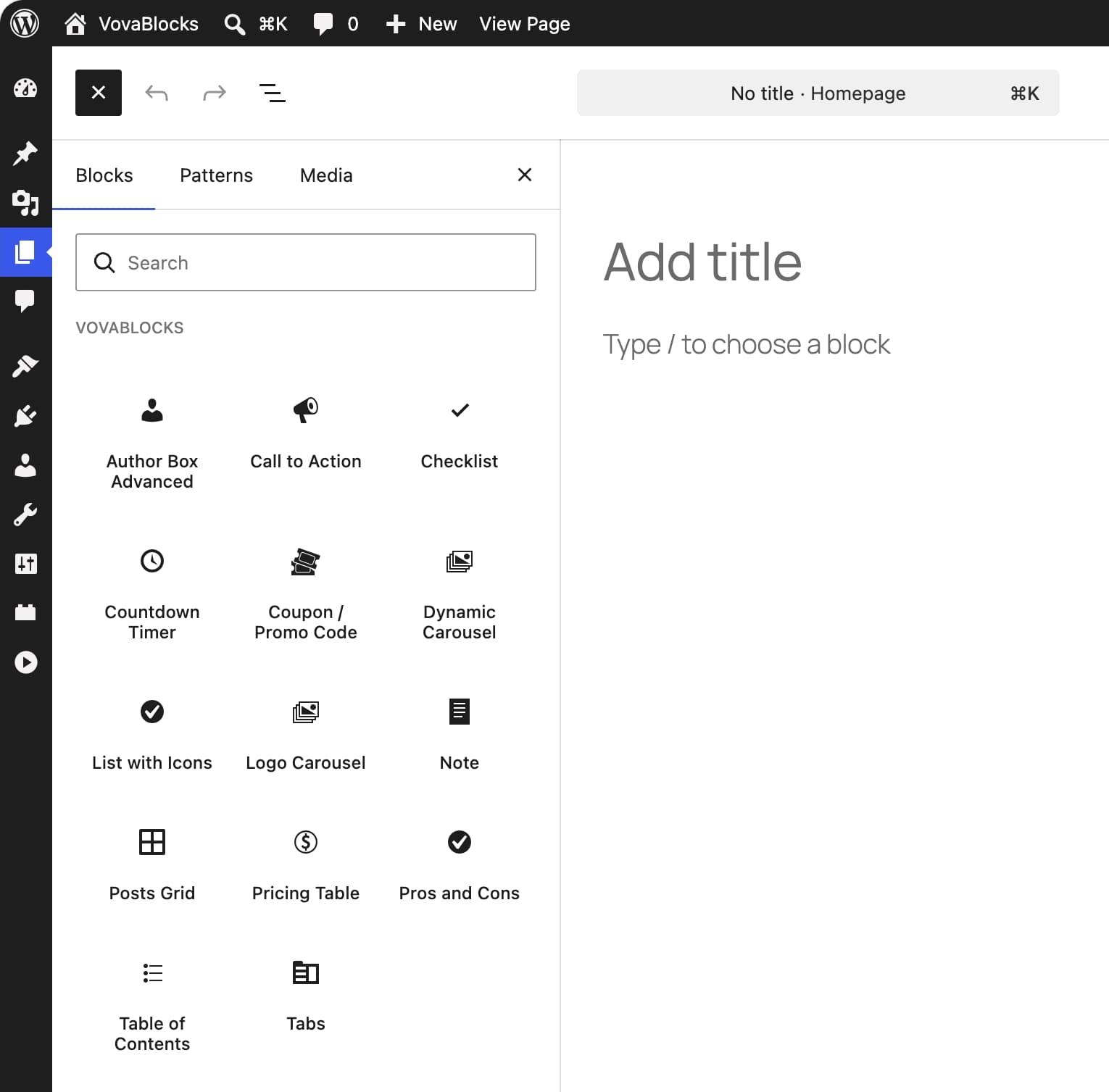
Every block solves a clear, recurring task—from calls to action and pricing tables to post grids and tabs.
Built by Vova, creator of Shortcodes Ultimate
A focused collection of practical blocks for landing pages, product pages, articles, and client sites — right inside the WordPress editor you already use.
Includes 7 free blocks. Upgrade only when you need all 14.
FOCUSED BY DESIGN
A focused set for the content and marketing tasks that come up across client sites — without crowding the editor with features you may never use.
Every block solves a clear, recurring task—from calls to action and pricing tables to post grids and tabs.
Add content and adjust block settings in the familiar WordPress editor.
Enable the blocks each site needs and disable the rest from the VovaBlocks settings.
ALL 14 BLOCKS
Start with seven practical blocks for free. Upgrade to Pro when your client sites need the complete set.
 Free
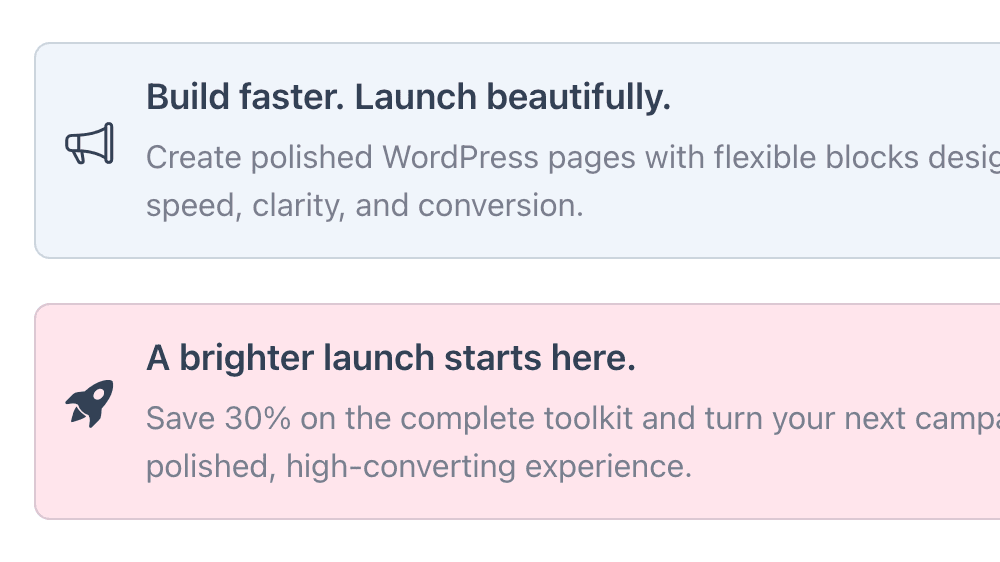
FreeGive a page one clear next step with focused copy and a button.
 Free
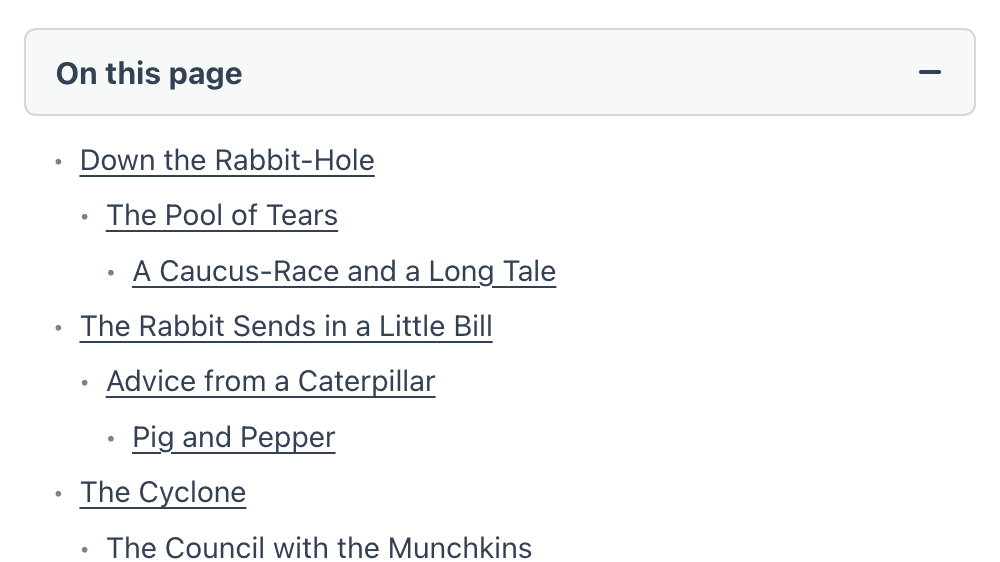
FreeGenerate on-page navigation automatically from the headings in a post or page.
 Free
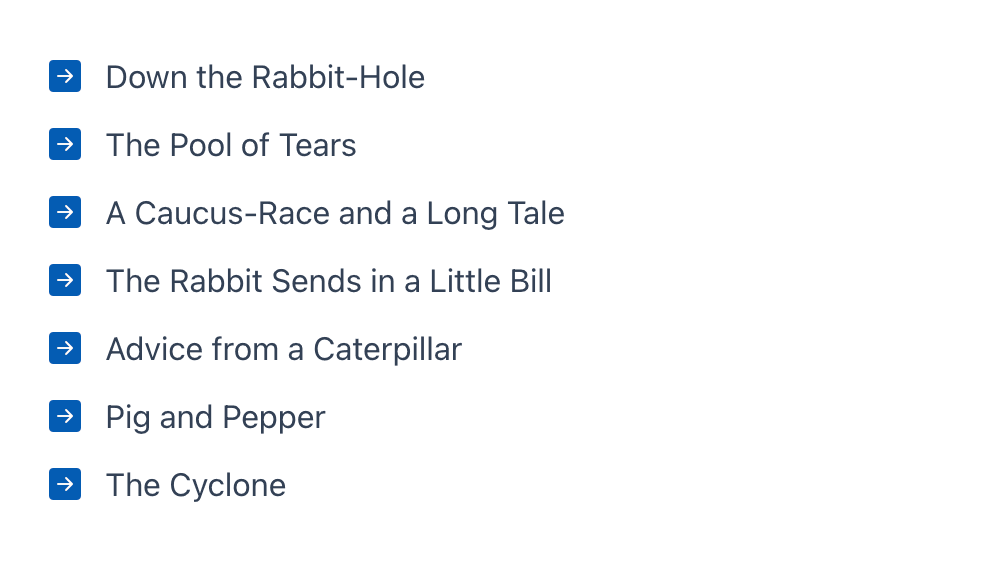
FreeTurn simple points into a clear, scannable list with one consistent icon.
 Free
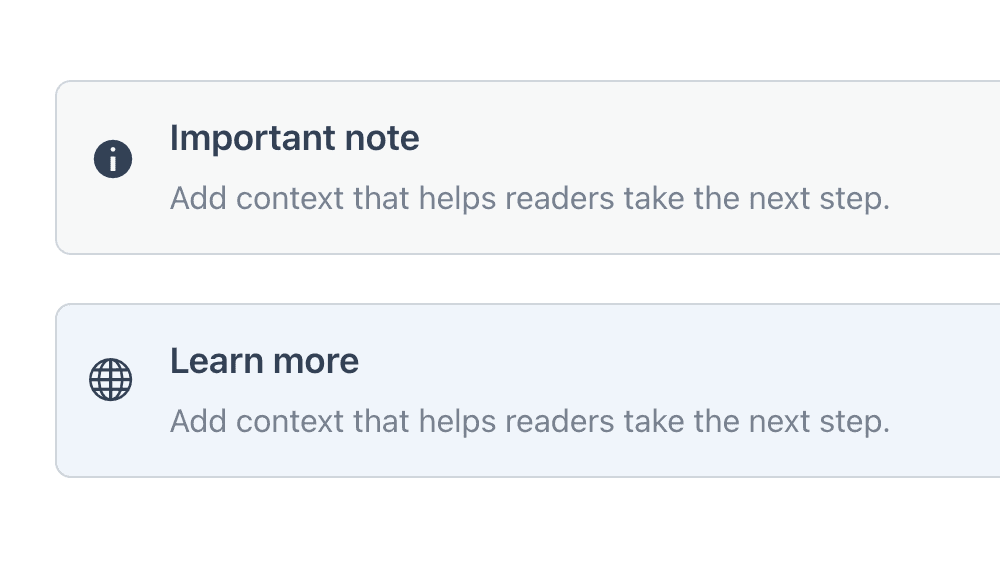
FreeHighlight tips, warnings, and other information readers should not miss.
 Free
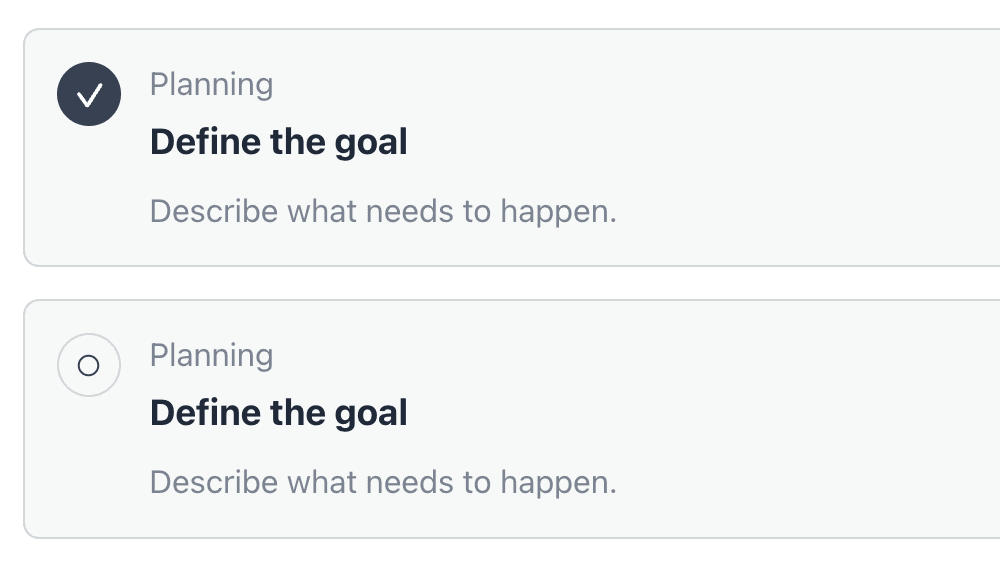
FreePresent tasks or requirements as editable checklist cards with statuses and completion states.
 Free
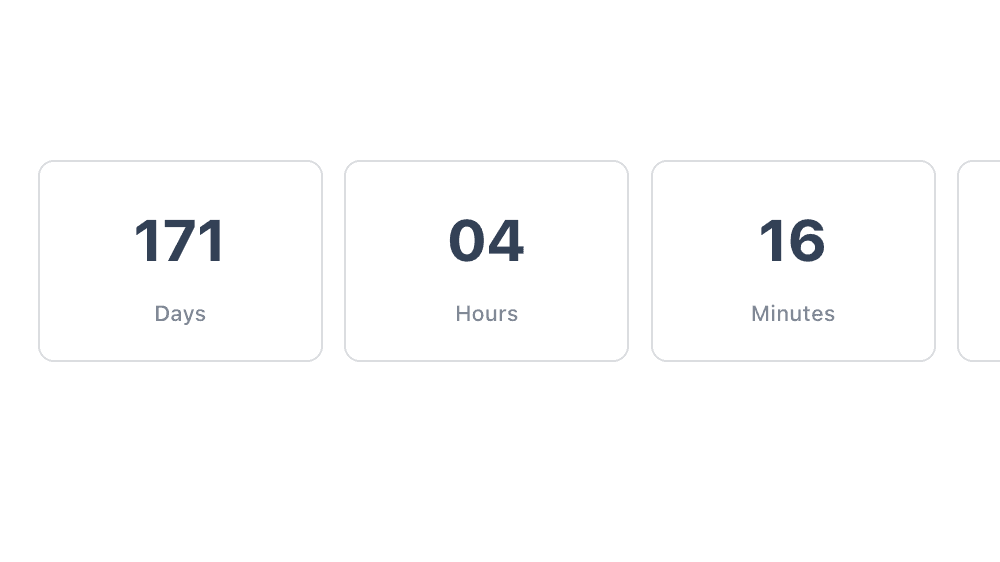
FreeShow a fixed deadline for launches, events, and time-sensitive offers.
 Free
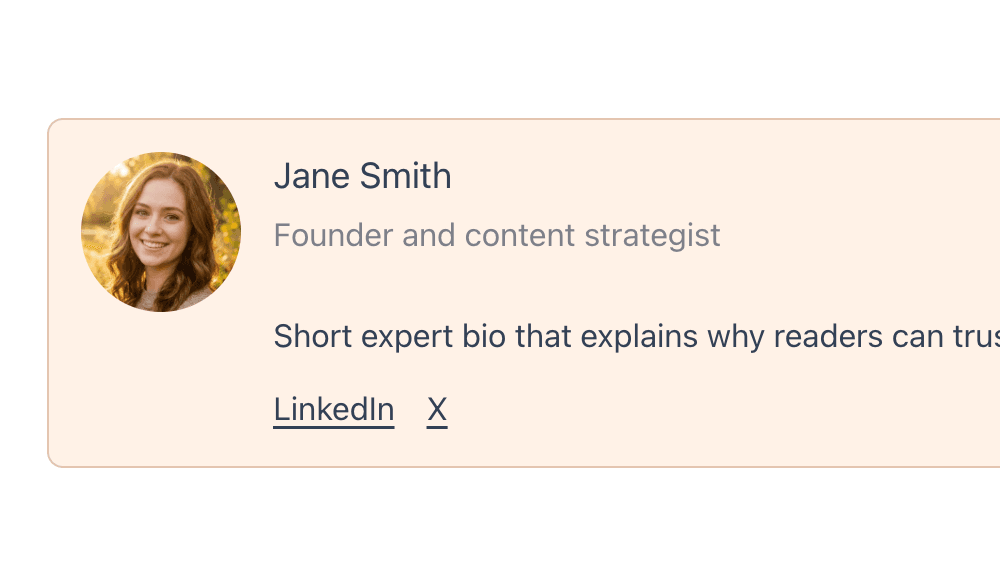
FreePresent an author’s bio, credentials, and links in a structured profile.
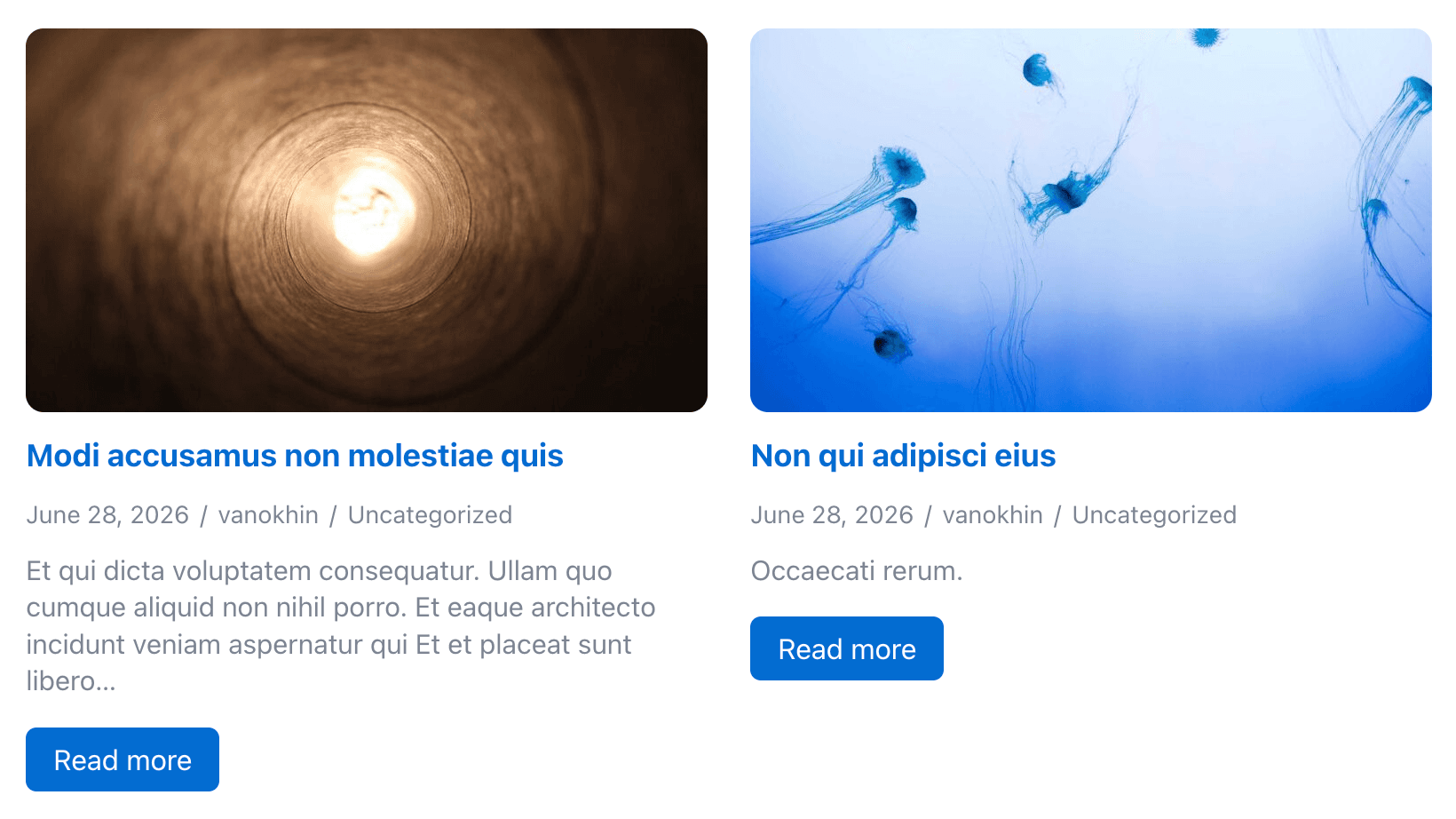 Pro
ProCreate responsive post grids with query controls and AJAX pagination.
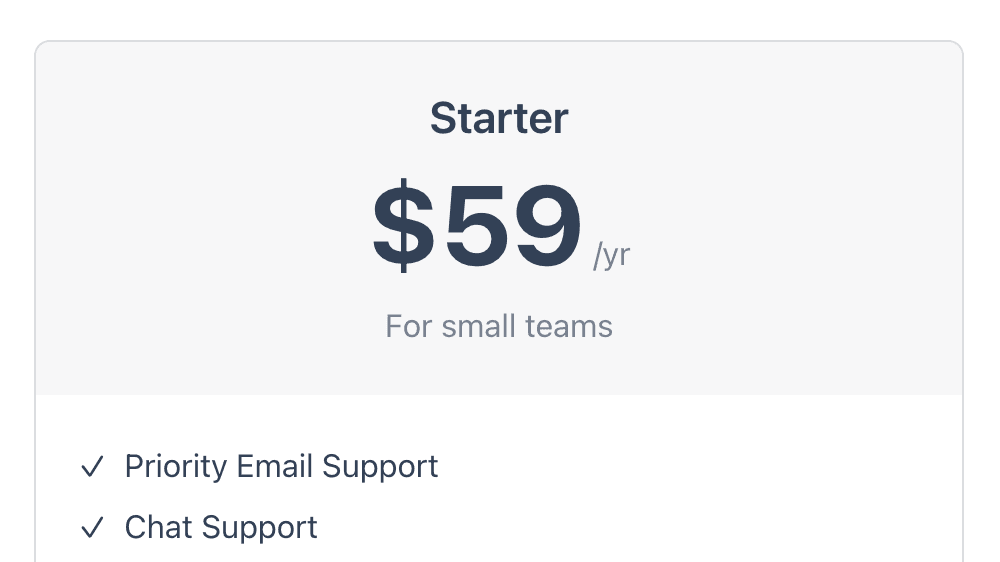 Pro
ProCompare plans, features, and calls to action side by side.
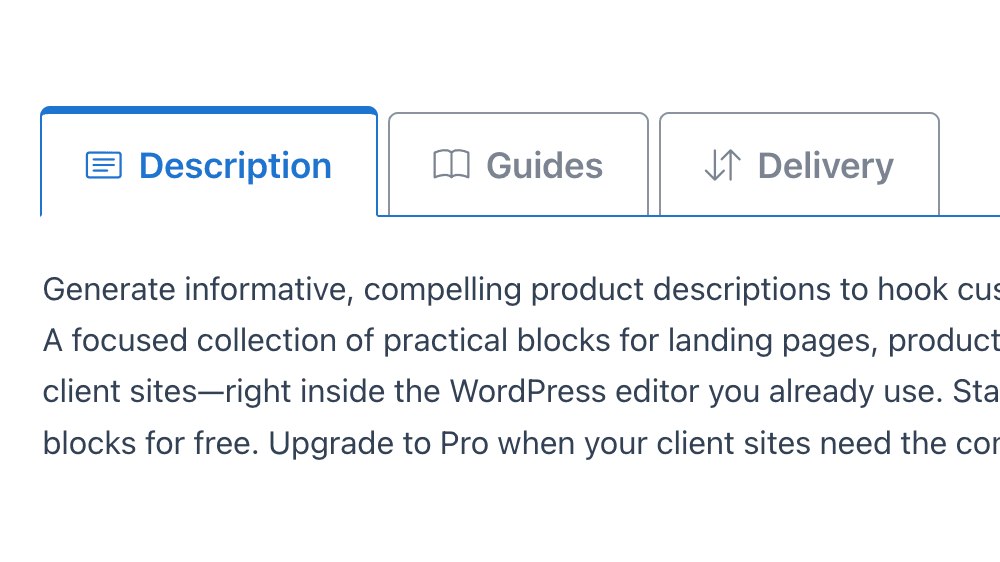 Pro
ProOrganize editable inner blocks into compact tabbed panels.
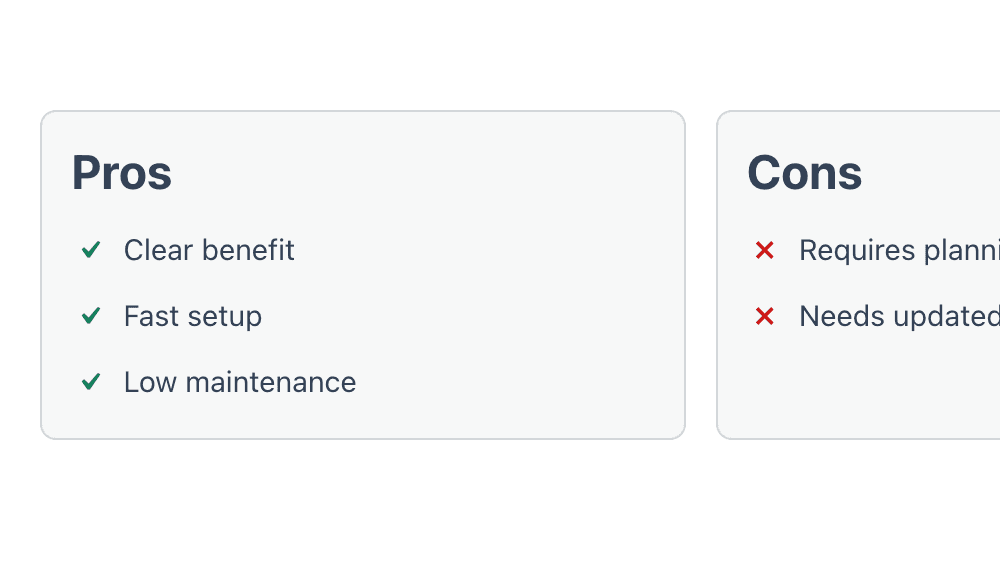 Pro
ProSummarize advantages and drawbacks in a balanced two-column layout.
 Pro
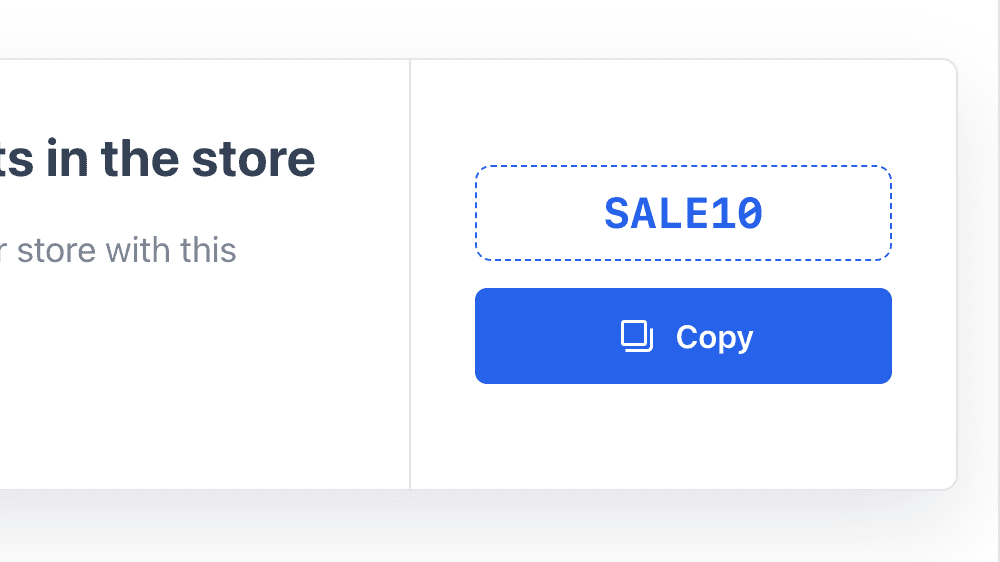
ProDisplay a promo code with a copy action, supporting details, CTA, and expiry text.
 Pro
ProDisplay client, partner, or brand logos in a seamless scrolling row.
 Pro
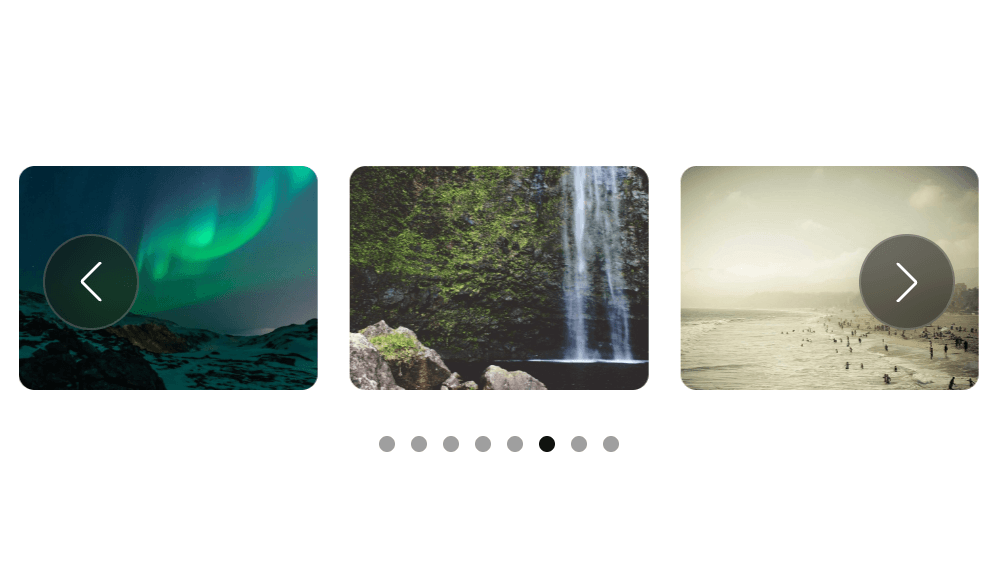
ProBuild a carousel from selected media or a WordPress posts query.
VovaBlocks appears directly in the WordPress block inserter, so you can keep building with the workflow you already know.
Download the free plugin from WordPress.org and activate it.
Open the block inserter and select the VovaBlocks block you need.
Customize the content and settings directly in the editor, then publish as usual.
FOR CLIENT WORK
Use the same focused toolkit across projects while keeping each site in the WordPress editor your clients already recognize.
Use the same practical blocks across landing pages, articles, and product sites.
Clients can continue editing content in the native WordPress block editor.
Choose a Pro license for 1, 10, or 100 client sites.
Every free block works on its own. Upgrade only when the additional Pro blocks earn their place on a project.
| Capability | Free | Pro |
|---|---|---|
| Blocks | 7 essential blocks | All 14 blocks |
| Native WordPress editing | Included | Included |
| Enable or disable blocks | Included | Included |
| Plugin updates | Included | Included |
| Support | WordPress.org support | Pro support |
| Price | Free | From $29/year |
SIMPLE ANNUAL PRICING
All plans include the same Pro blocks, updates, and support. The only difference is how many sites you can activate.
1 Site
$29/year
MOST POPULAR
10 Sites
$39/year
100 Sites
$199/year
FAQ
VovaBlocks is a focused collection of 14 Gutenberg blocks for the native WordPress editor. Seven blocks are available for free, and Pro adds seven more.
Yes. The free version includes seven fully functional blocks and does not require VovaBlocks Pro.
Free includes Call to Action, Table of Contents, List with Icons, Note, Checklist, Countdown Timer, and Author Box Advanced. Pro adds Posts Grid, Pricing Table, Tabs, Pros and Cons, Coupon / Promo Code, Logo Carousel, and Dynamic Carousel.
No. VovaBlocks appears in the standard block inserter, and its blocks are edited with familiar WordPress controls.
Yes. You can enable or disable individual blocks from the VovaBlocks settings.
VovaBlocks requires WordPress 6.5 or newer and PHP 7.4 or newer.
Static blocks save markup in the post, while dynamic output, interactive behavior, styles, and editor controls require VovaBlocks to remain active. Review affected pages before deactivating the plugin.
Pro licenses are annual and include the same seven Pro blocks, updates, and support. Plans differ only by their 1, 10, or 100-site activation limit.
START FREE
Install seven practical Gutenberg blocks from WordPress.org. Upgrade only when your projects need the complete set.
Free on WordPress.org. Pro from $29/year.